01
Categories + items
Organise the menu the way guests browse it, with searchable and filterable items.

Restaurant Mode
A browser-based digital menu and a direct operating flow for dine-in, pickup, and delivery. No customer app. No marketplace in the middle.
The Restaurant day
The core workflow stays visible. Supporting tools make it stronger without turning Bite Baba into a heavy POS.
01
Table QR, shared dine-in QR, or a poster at the counter.
02
Live prices, categories, veg labels, variants, and add-ons.
03
Dine-in submits straight to Bite Baba. Pickup and delivery save first, then WhatsApp.
04
Live orders with status, table context, and staff counter access.
05
Pending → preparing → served — the kitchen sees the same board.
06
Simple Bills, manual payment recording, optional GST invoices on Plus and Pro.
07
Monthly sales and customer views, with PDF when you need a record.
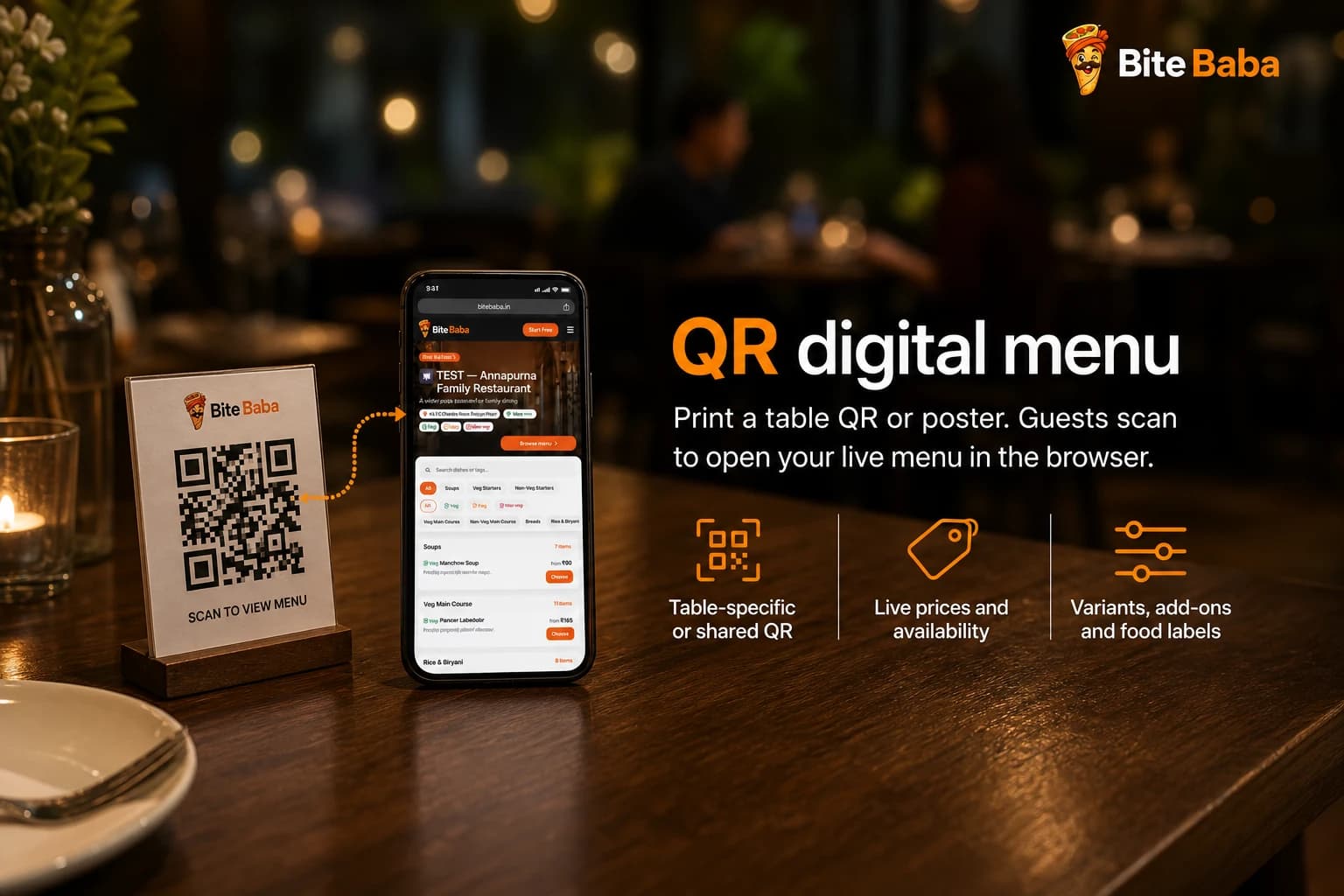
QR digital menu
Customers scan a table QR, a shared dine-in QR, or a poster and browse in the phone browser. There is nothing to install and no customer account to create.
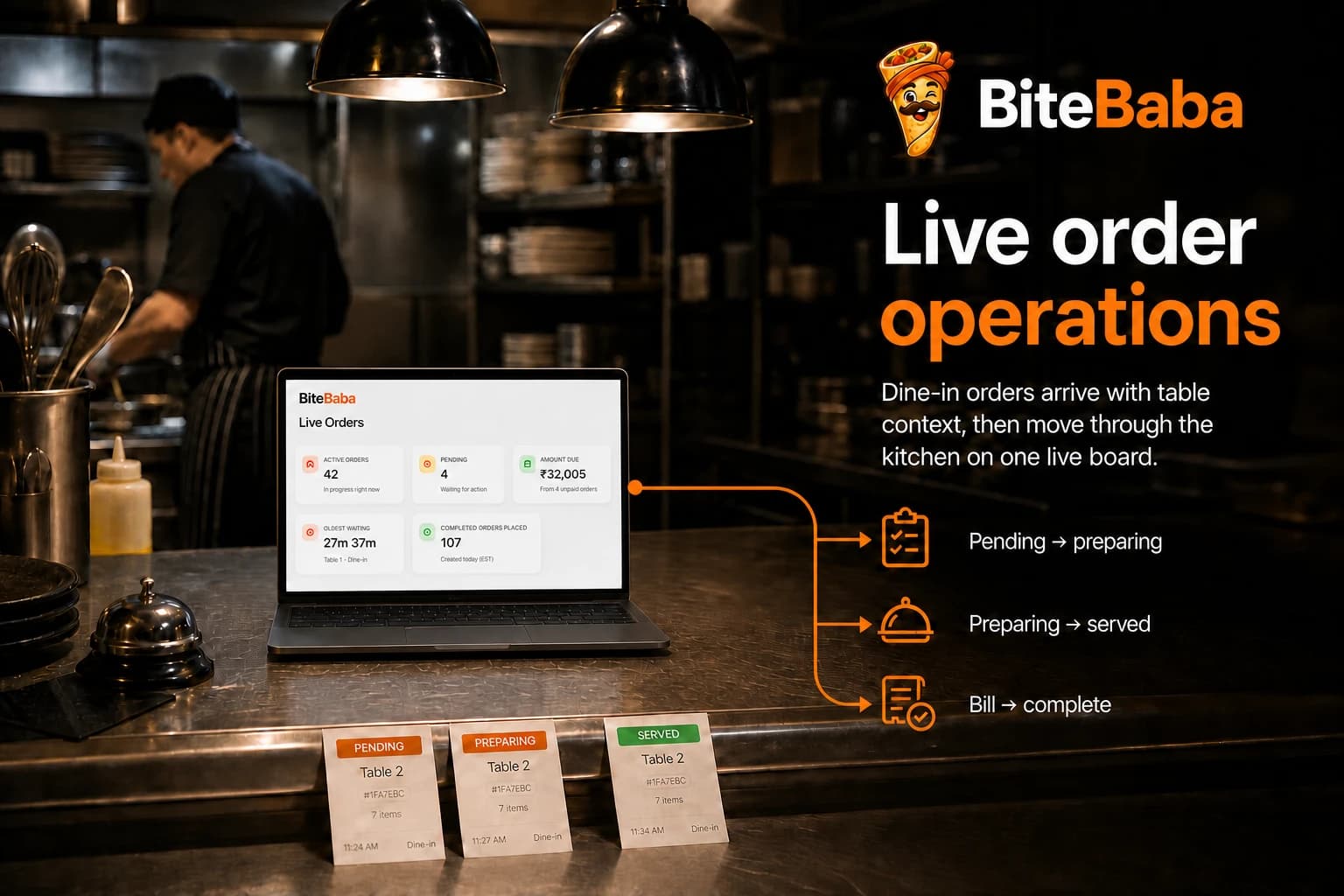
Live order operations
A submitted dine-in order lands directly in the live order view. The team can see the context and move it through preparation, service, billing, and completion.
Menu control
The digital menu is an operating surface, not a photograph of a paper menu. Control what guests can find, choose, and order.
Organise the menu the way guests browse it, with searchable and filterable items.
Offer sizes, preparations, or extras without creating a confusing paper menu.
Pause an item from ordering when the kitchen cannot serve it, then restore it later.
Show the food type with text and an icon so guests do not have to guess.
Use product images where they help the menu. The menu still works cleanly without them.
Bring in a larger menu through the supported import workflow and review it in Bite Baba.
Pickup + delivery
Pickup and delivery do not skip Bite Baba. The order is recorded first, then the customer can continue with a ready-made WhatsApp message. Bite Baba does not provide riders or marketplace logistics.
The customer completes pickup or delivery details.
The business gets a real order record before the hand-off.
A ready-made message can continue the conversation.
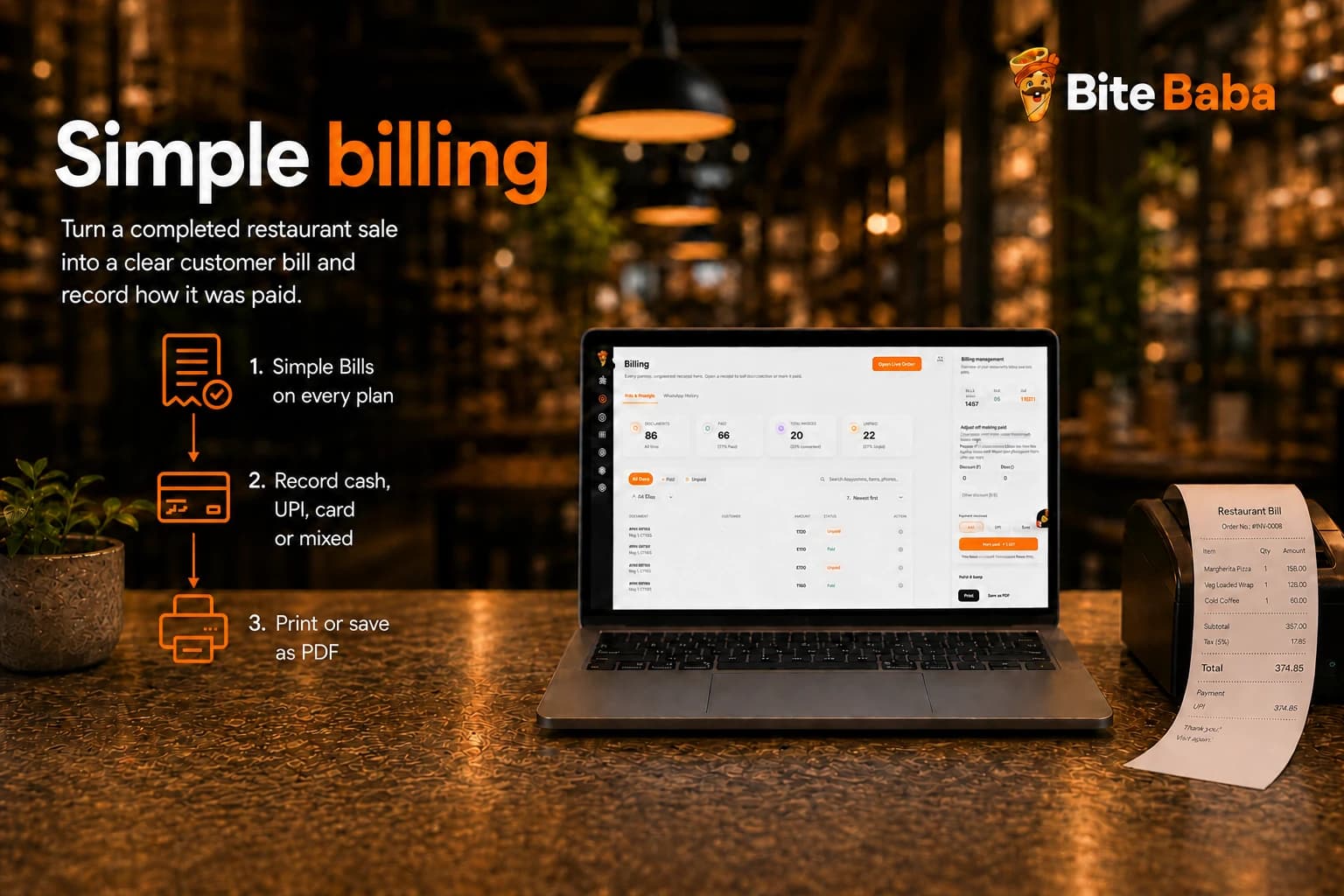
Billing
Create a Simple Bill from a completed Restaurant order, print it or save it as PDF, and record the payment method yourself.
Customers + operations
Keep the customer record, restaurant controls, team access, and reporting close to the work without giving every feature a giant visual.
Build a directory and order history from real customers instead of losing context in chat threads.
Create discount codes for Restaurant orders and keep the pricing decision inside the business.
Use weekly hours and overrides. The public menu stays visible while ordering is paused.
Plus and Pro add order-counter staff. They cannot manage billing, menu, settings, or subscription.
Print a shared poster, table-specific codes, or a shared dine-in QR that asks for the table.
Review operational reports, export PDF, and optionally show a call button or delivery pin.
Put the QR on the table.
Start Free, build the menu, and print your first poster. Choose Restaurant during onboarding.